
cTrader indicator
Algo Shadow Matrix
Adaptive Supertrend with a Trend Quality Index, ported from TradingView and verified on identical bars.
How it was built23 products written in C# on the cAlgo API: indicators verified bar by bar against the TradingView originals, and cBots checked trade by trade to the cent. Every purchase, licence, trial, refund and update is handled by the cTrader Store, not by this site: the buttons here open each product's own Store listing, and every product has a documentation page here with its video guide where one is published.
Each indicator was ported from a TradingView original and checked against it bar by bar; each cBot was checked trade by trade, to the cent. The figures on every card are measured.
Nothing matches that filter.
Written in C# on the cAlgo API and verified bar by bar against the TradingView original each one was ported from. The cTrader Store handles the purchase, the licence, the trial and the 14-day money back.
Adaptive Supertrend with a Trend Quality Index, ported from TradingView and verified on identical bars.
How it was built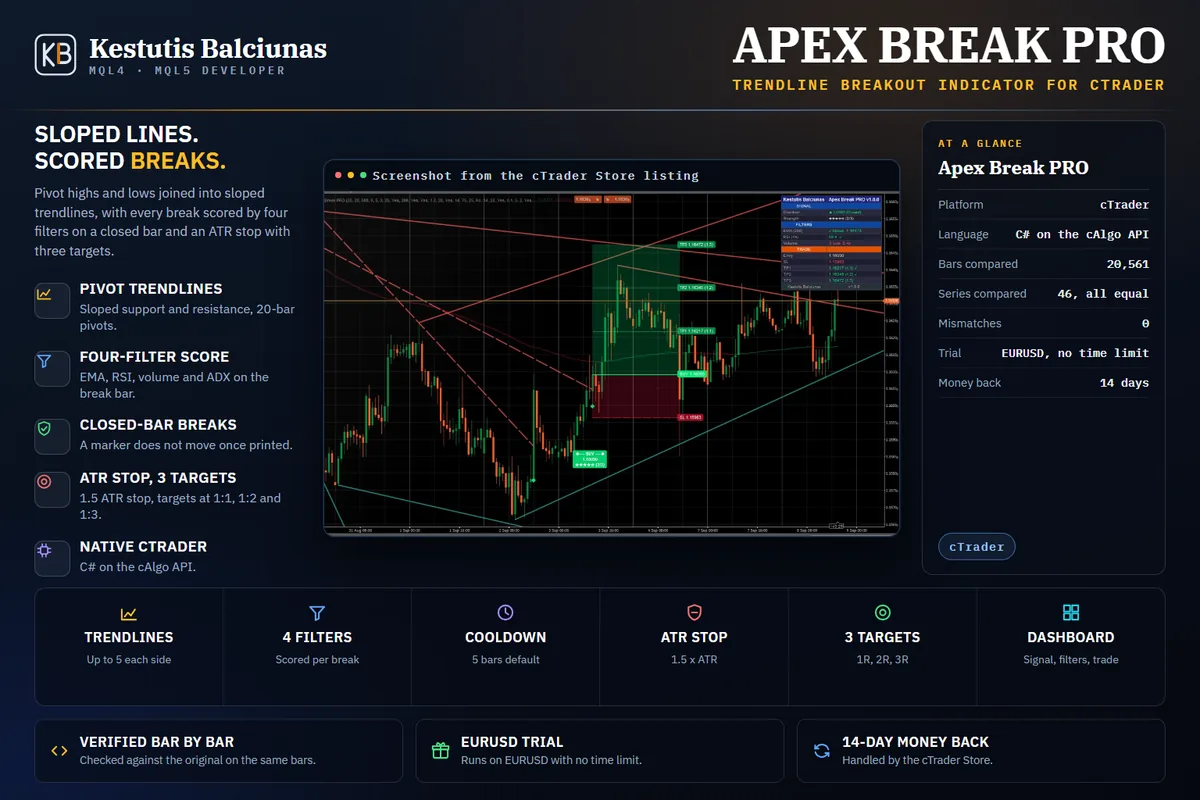
Sloped pivot trendline breakouts, scored, with an ATR stop and three targets.
How it was built
Supply and demand zones with break of structure, a higher timeframe cross, a stop and three targets.
How it was built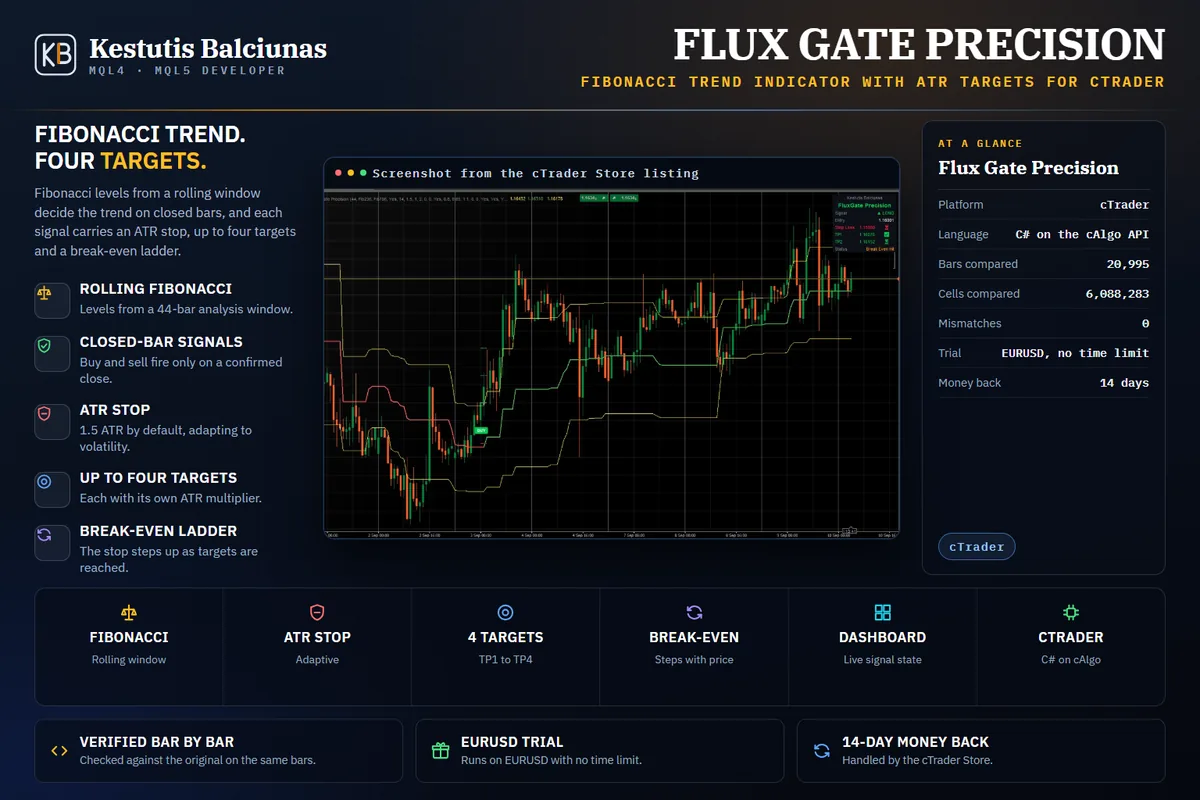
Fibonacci trend signals on closed bars, with an ATR stop, four targets and a break-even ladder.
How it was built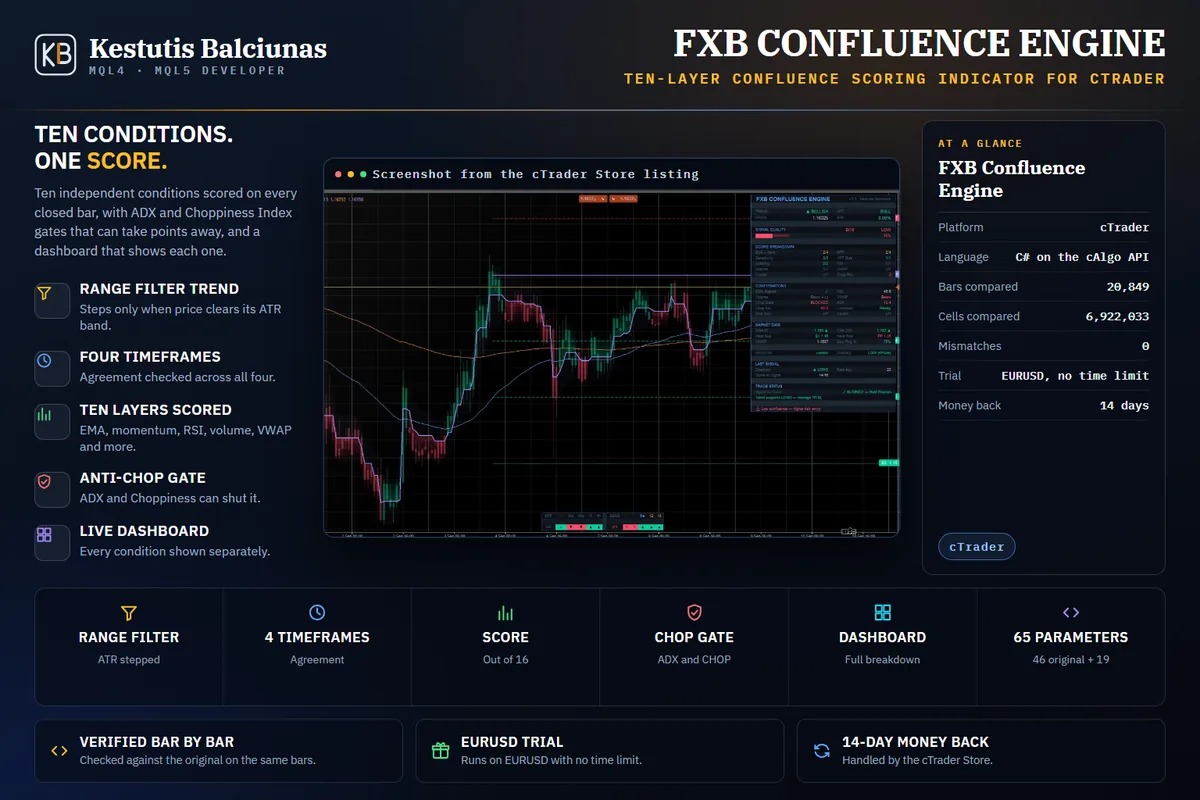
Ten confluence layers scored on every closed bar, with an anti-chop gate and a live dashboard.
How it was built
A higher-timeframe log-regression channel with a volume profile that follows its slope.
How it was built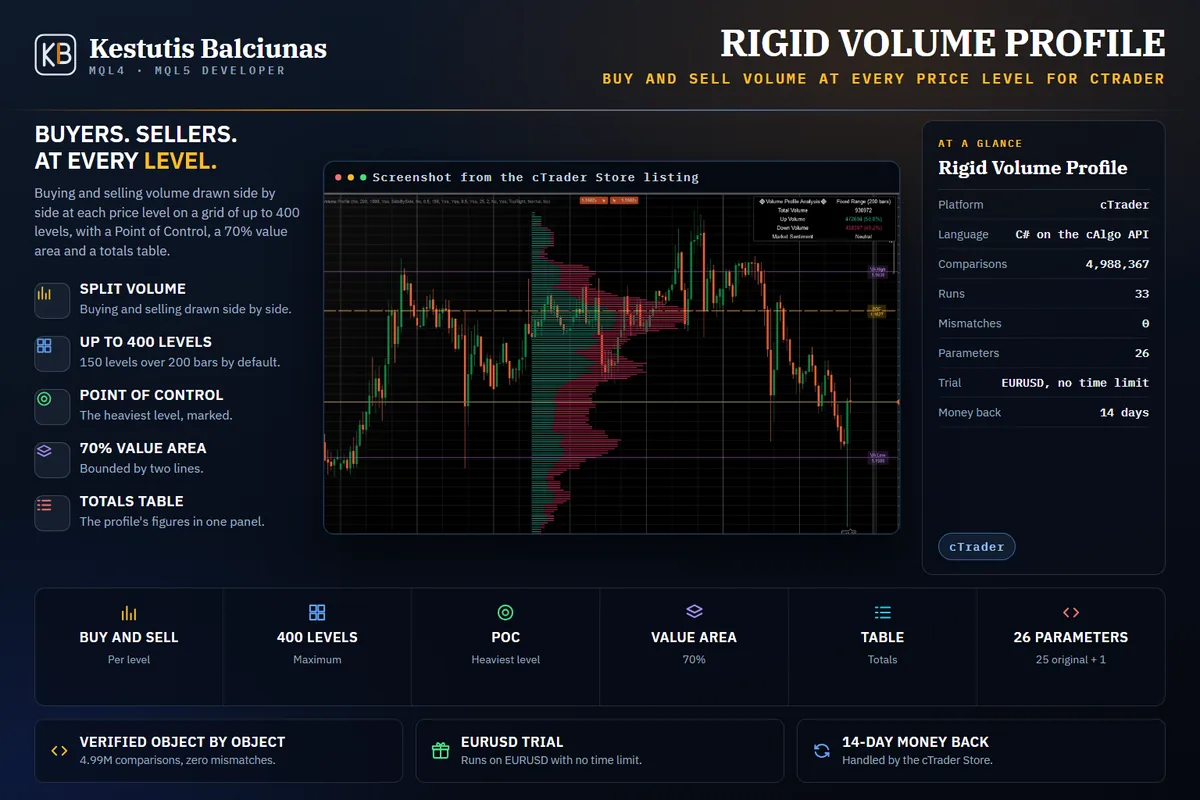
Buying and selling volume drawn separately at every price level, with a Point of Control and value area.
How it was built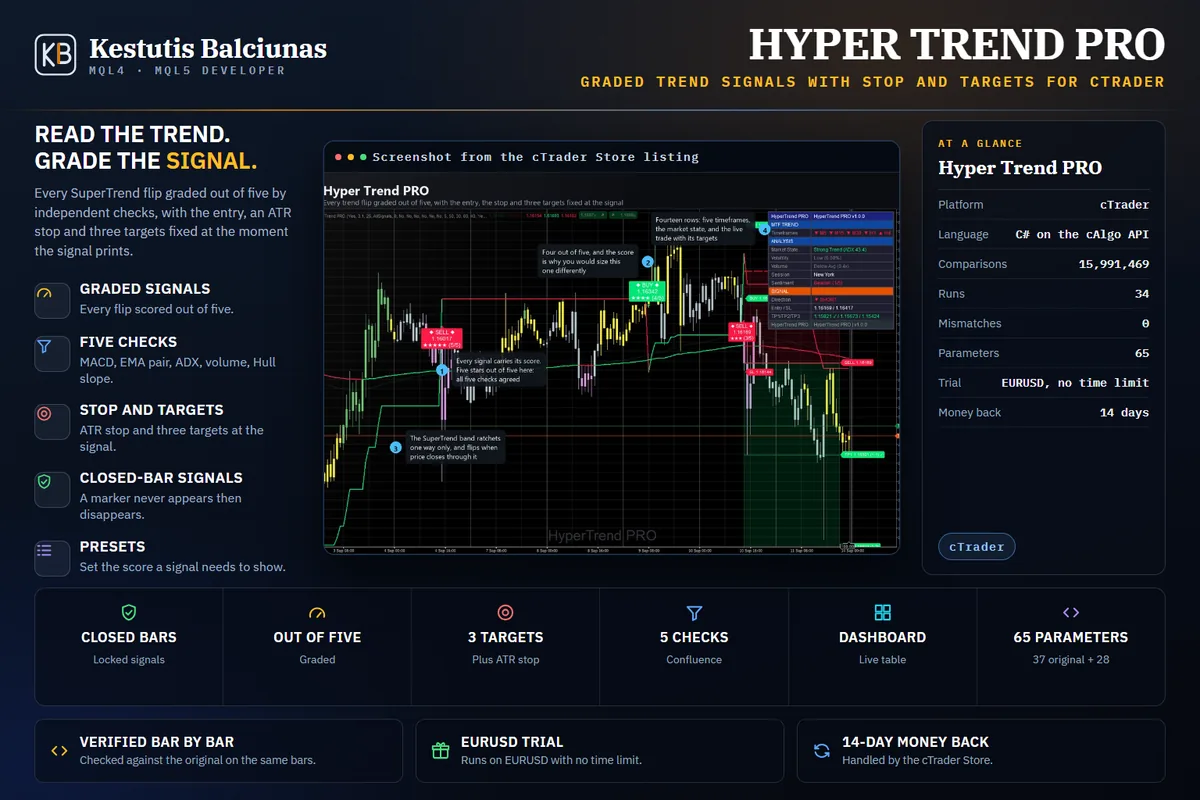
Every trend flip graded out of five, with the stop and targets fixed at the signal.
How it was built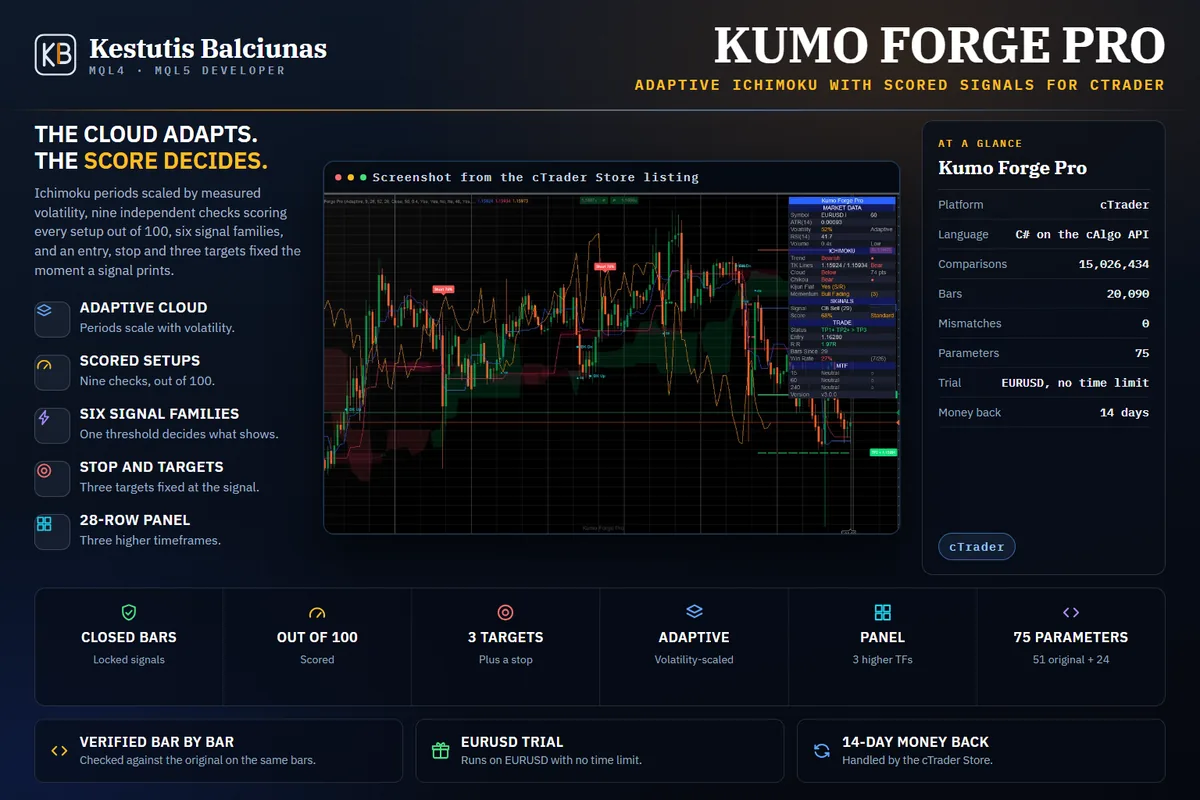
An Ichimoku cloud that scales with volatility, and nine checks that score every setup.
How it was built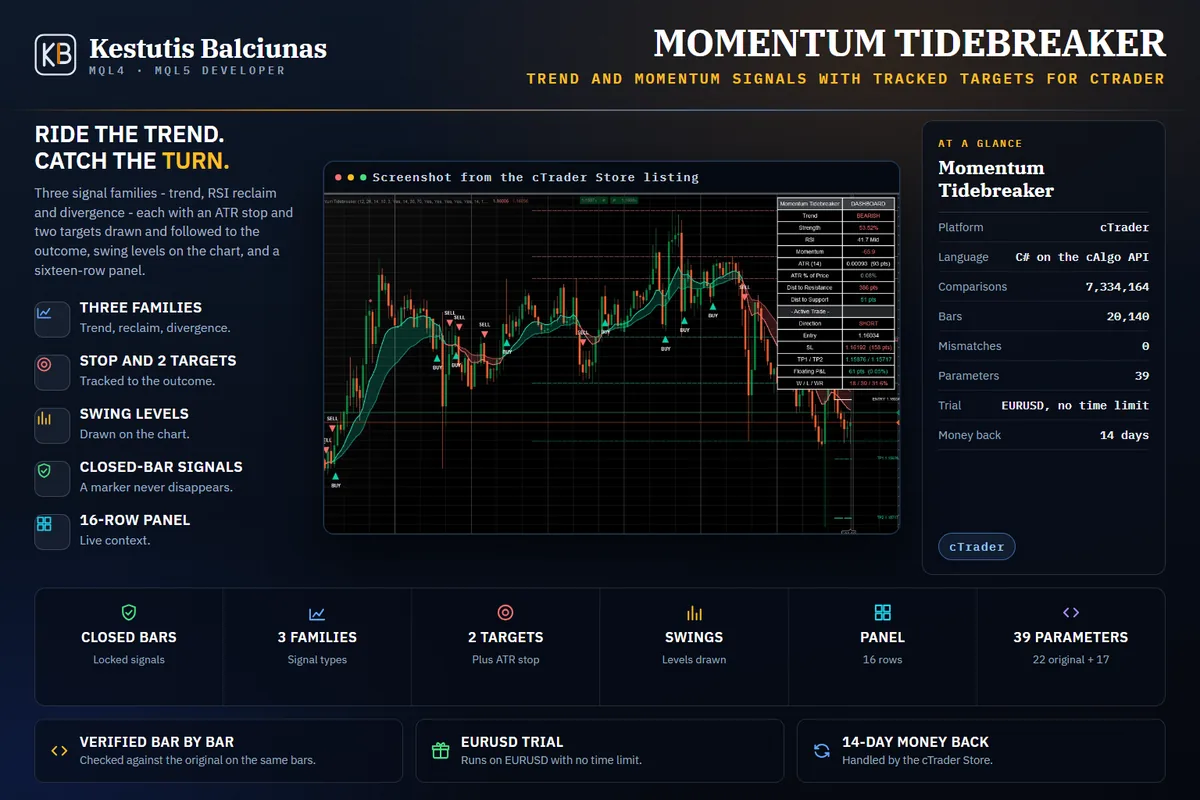
Trend and momentum signals from three families, with the stop and two targets tracked to the outcome.
How it was built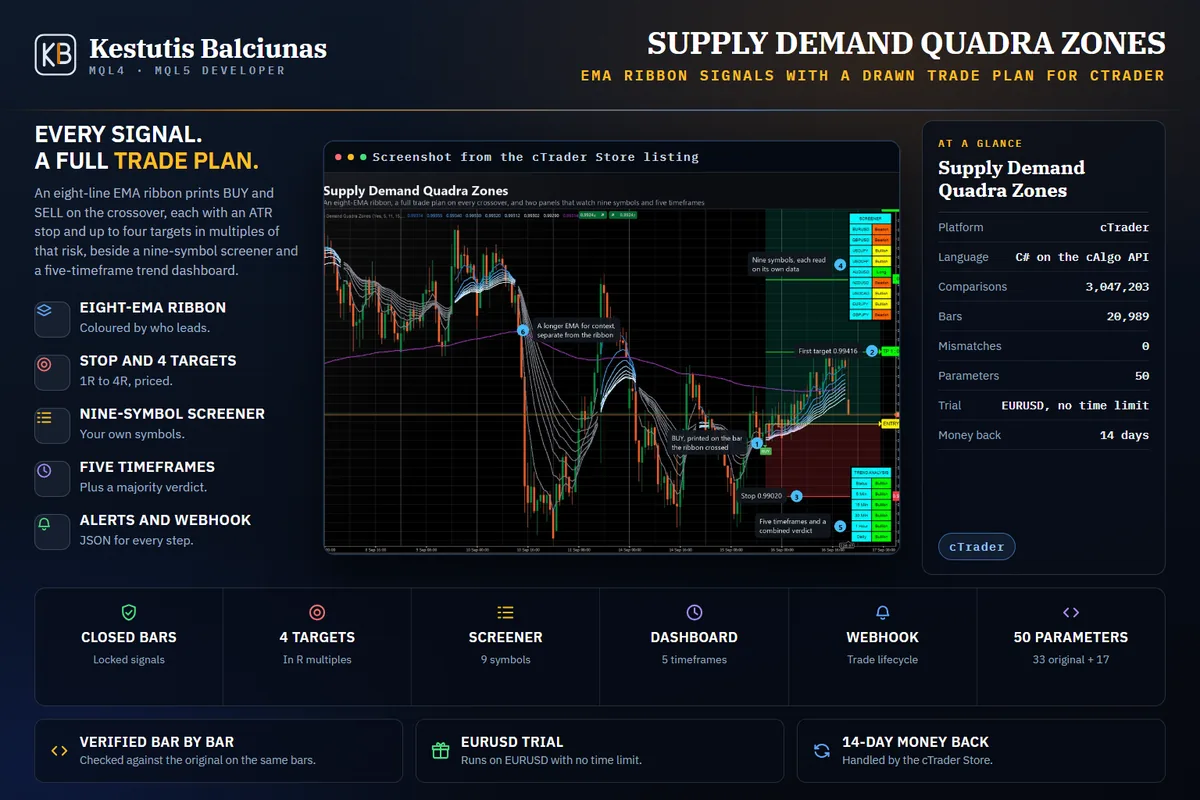
An eight-EMA ribbon, a full trade plan on every crossover, and nine symbols watched at once.
How it was built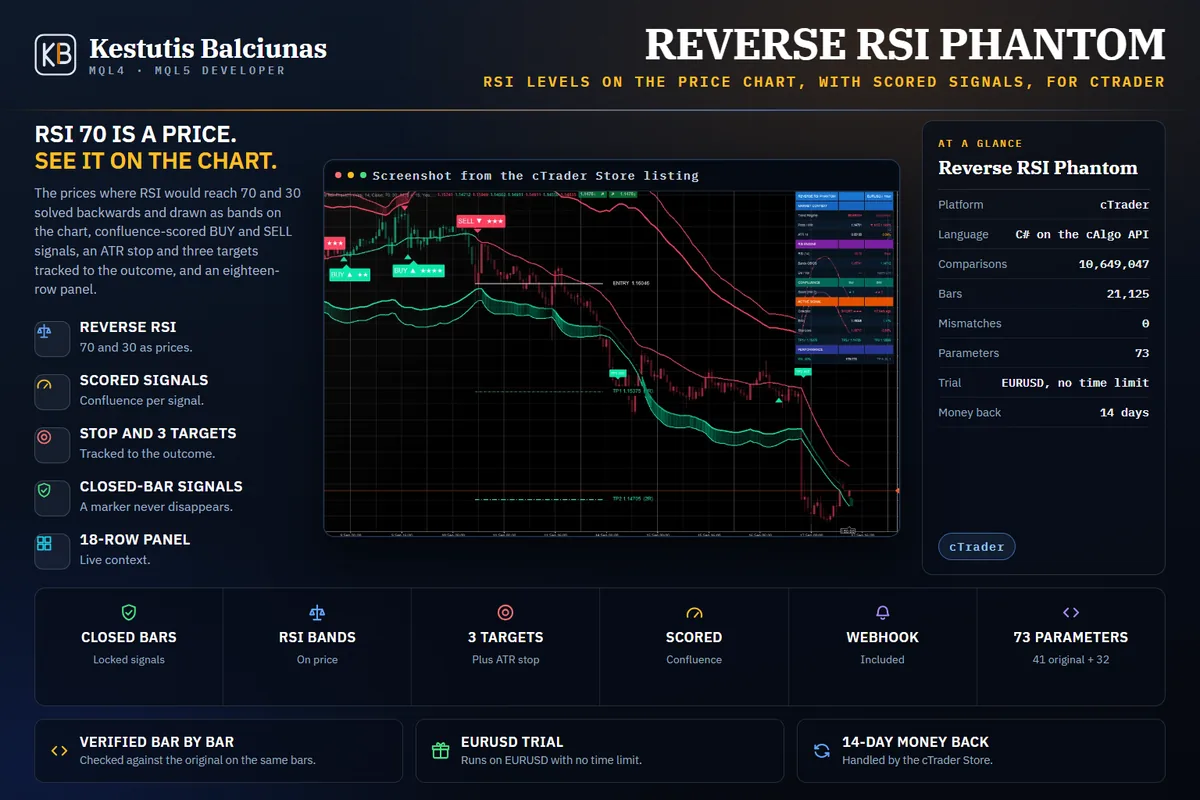
RSI 70 and 30 solved back onto the price scale, so overbought is a price, not a number.
How it was built
Order blocks, fair value gaps and liquidity sweeps, each with a scored signal and a drawn plan.
How it was built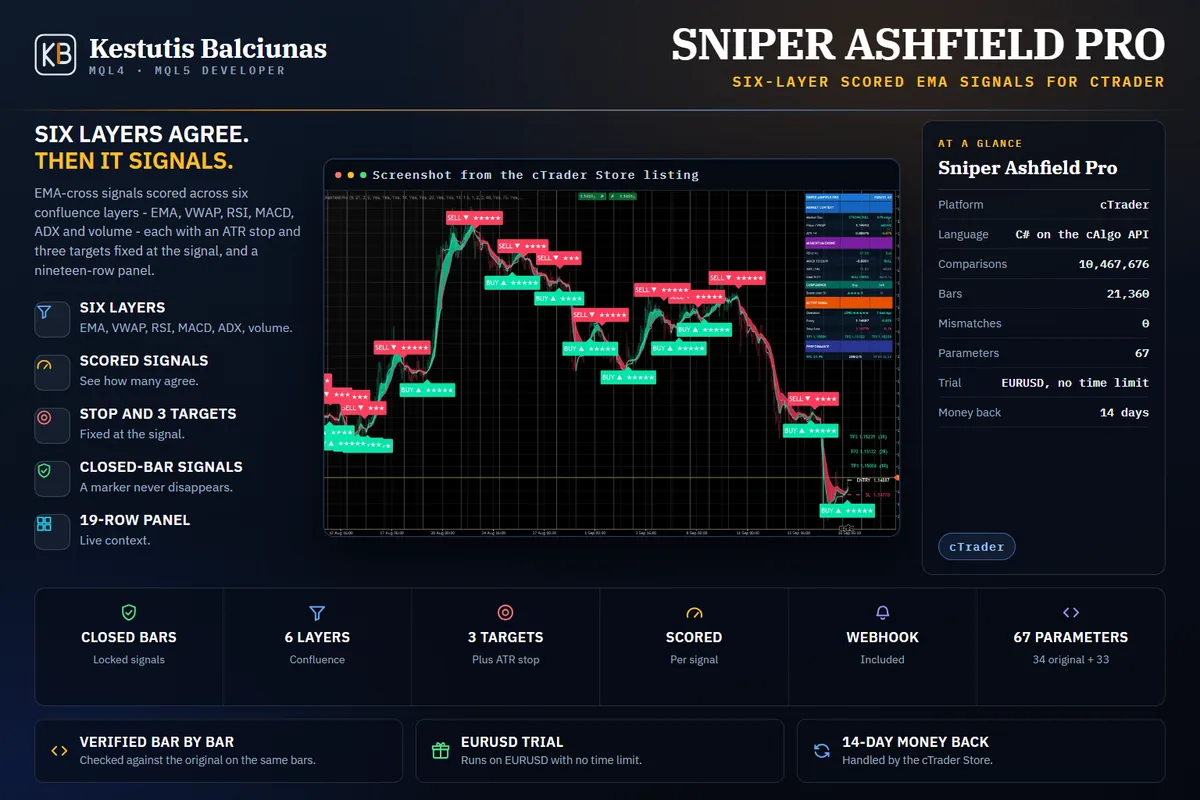
EMA-cross signals scored across six layers, with an ATR stop and three targets at the signal.
How it was built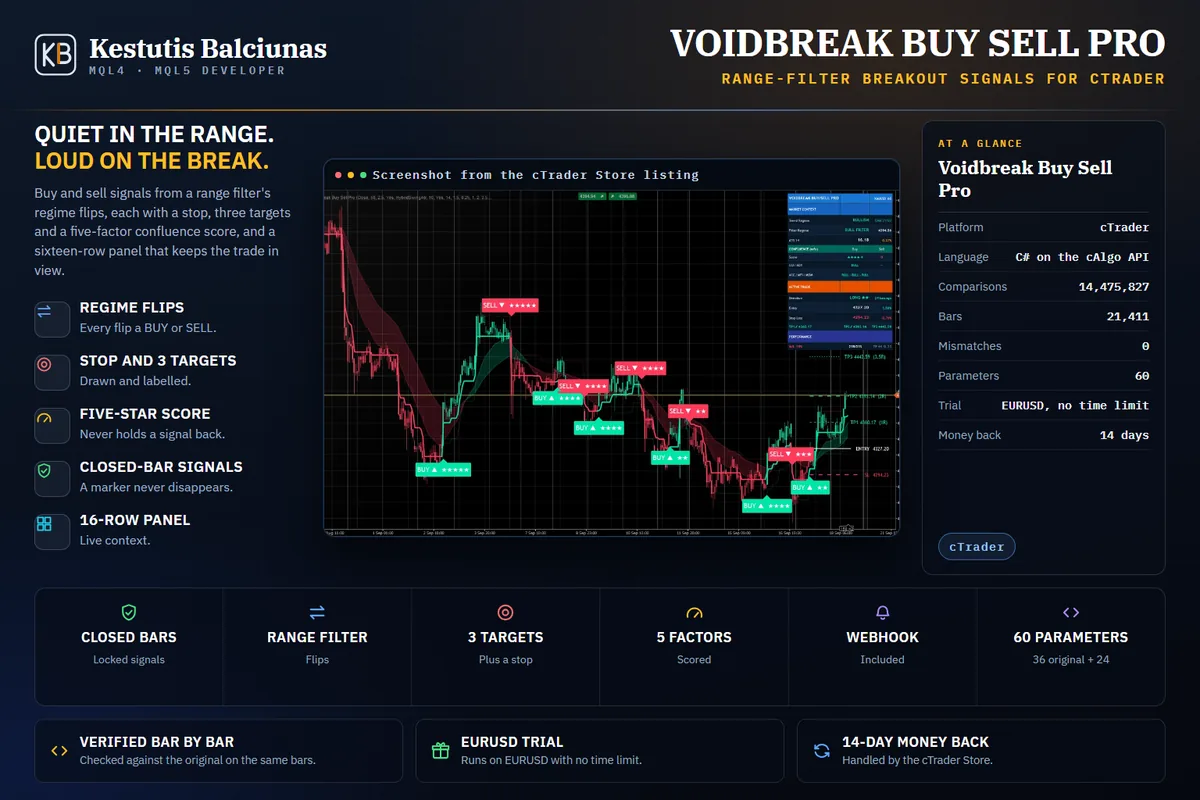
A range filter that stays flat in the void and signals the moment price breaks out.
How it was built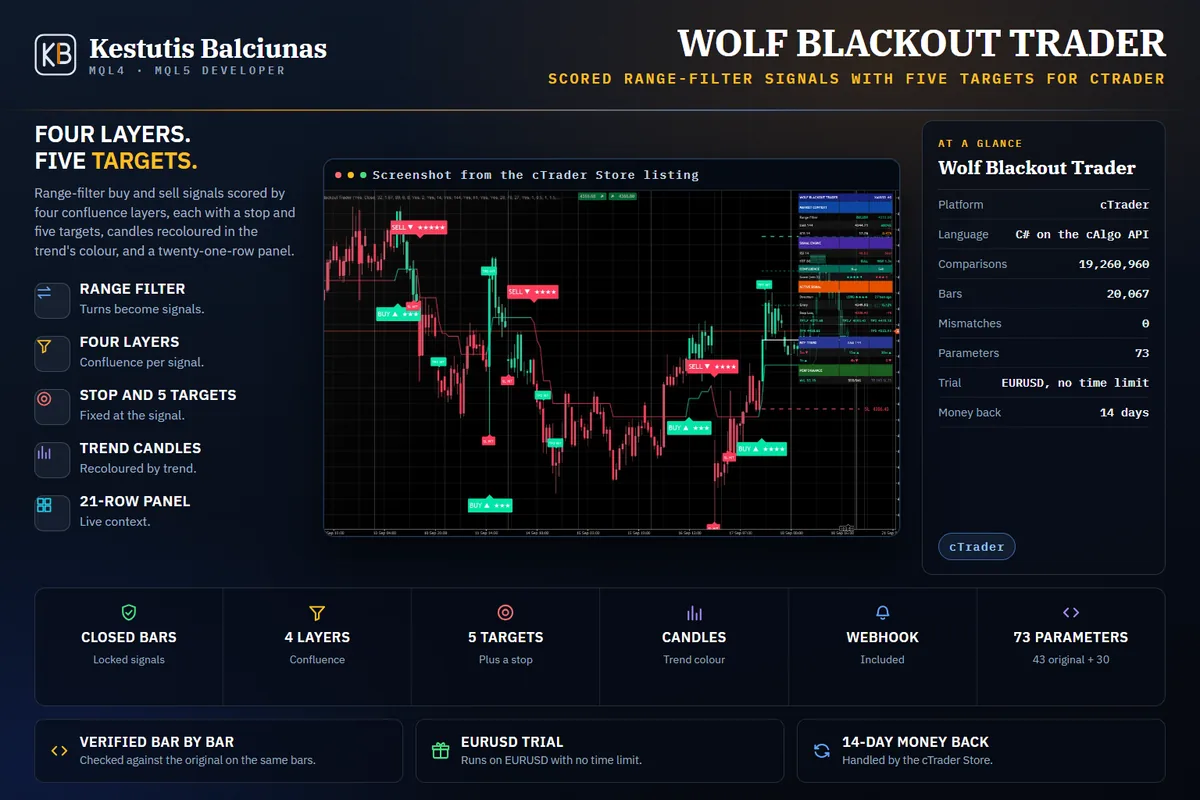
Range-filter signals scored by four layers, with a stop, five targets and candles in the trend's colour.
How it was built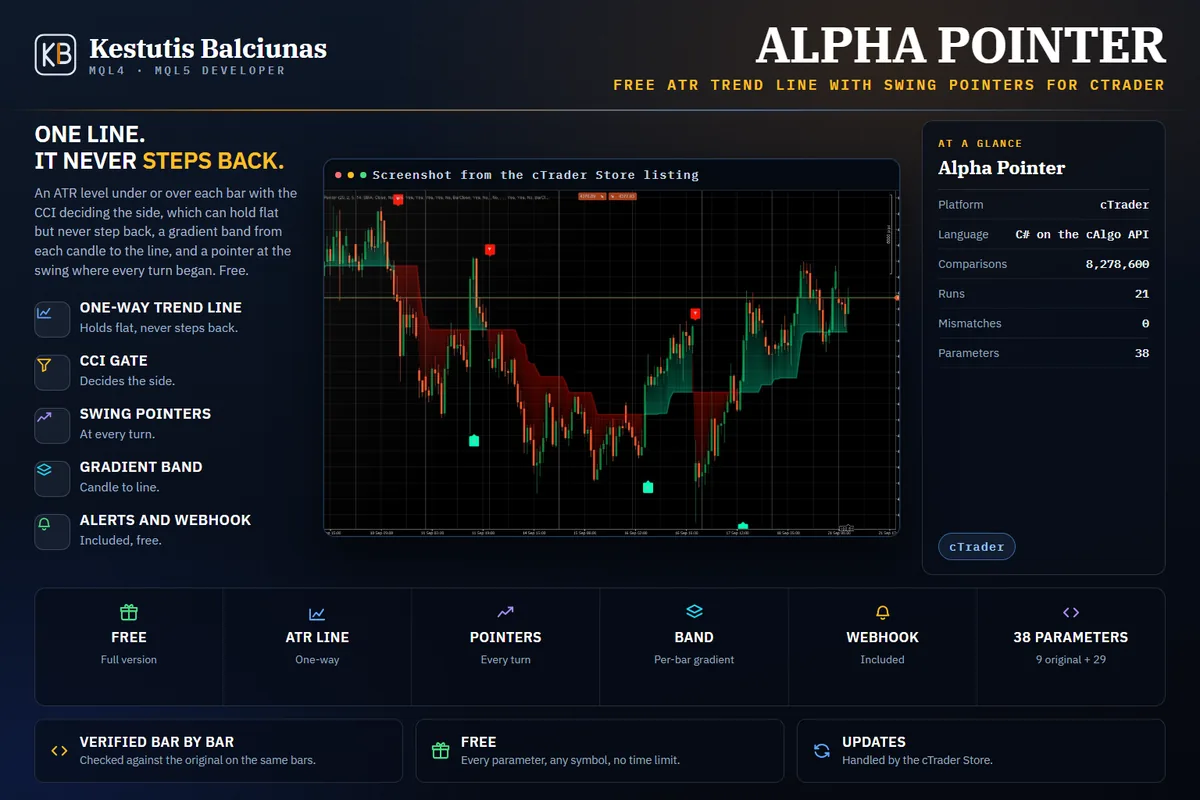
An ATR trend line that only steps with the trend, and a pointer at every swing that turned it.
How it was built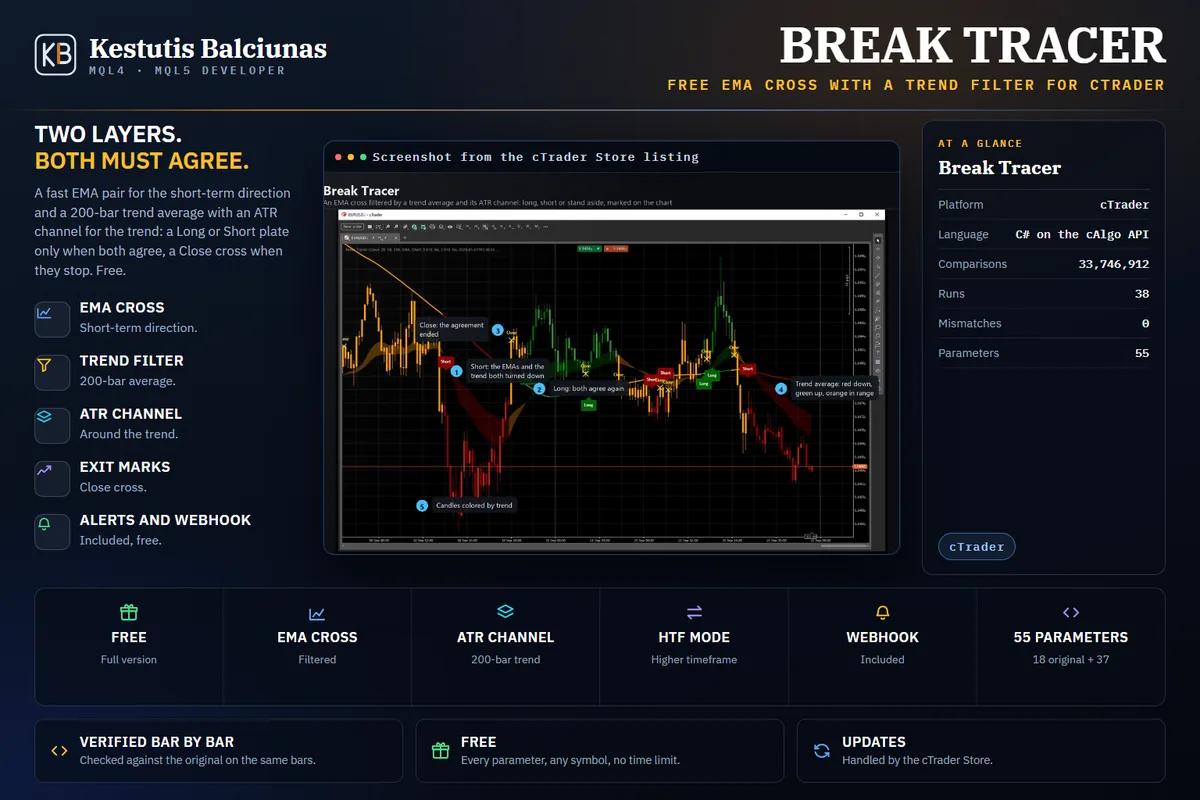
An EMA cross that only counts when the 200-bar trend and its ATR channel agree, with Long, Short and exit marks and alerts.
How it was built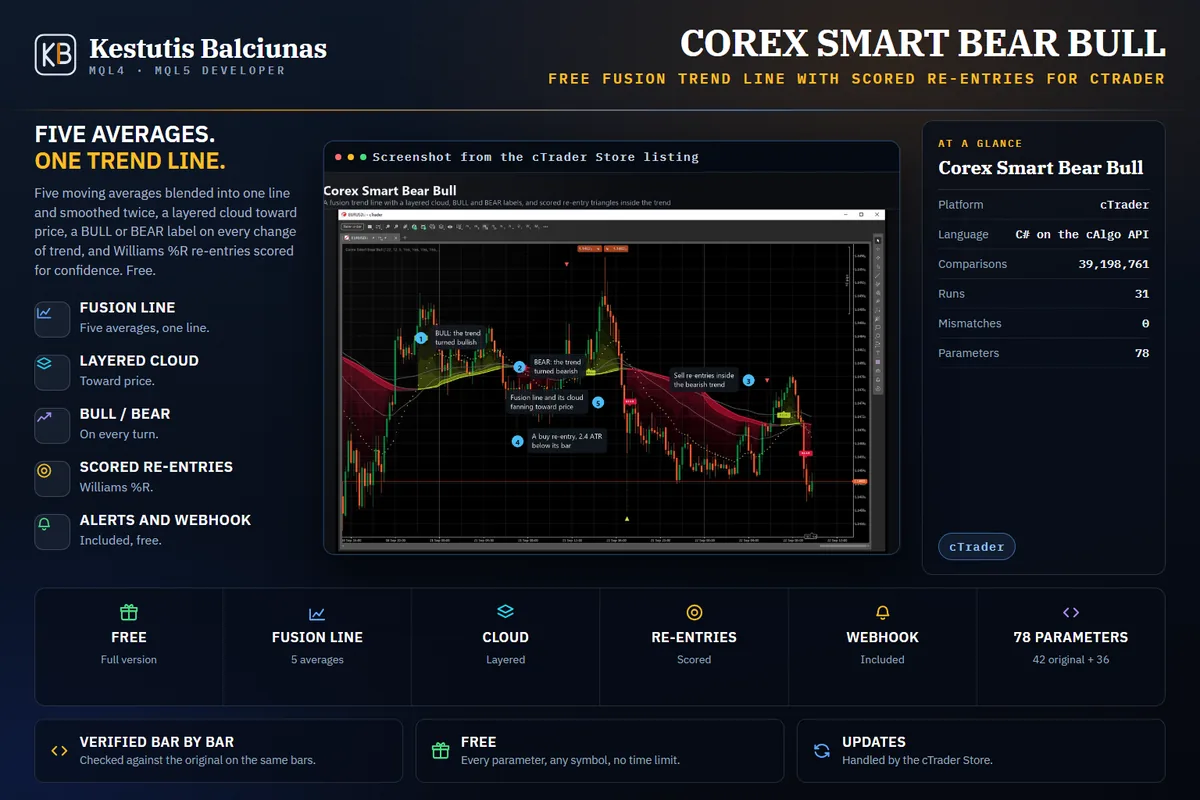
Five moving averages fused into one trend line, a layered cloud, BULL and BEAR labels, and scored re-entries inside the trend.
How it was builtAutomated trading robots written in C# on the cAlgo API, transcribed from their MetaTrader originals function by function and checked trade by trade on identical bars. The cTrader Store handles the purchase, the licence and the 14-day money back.
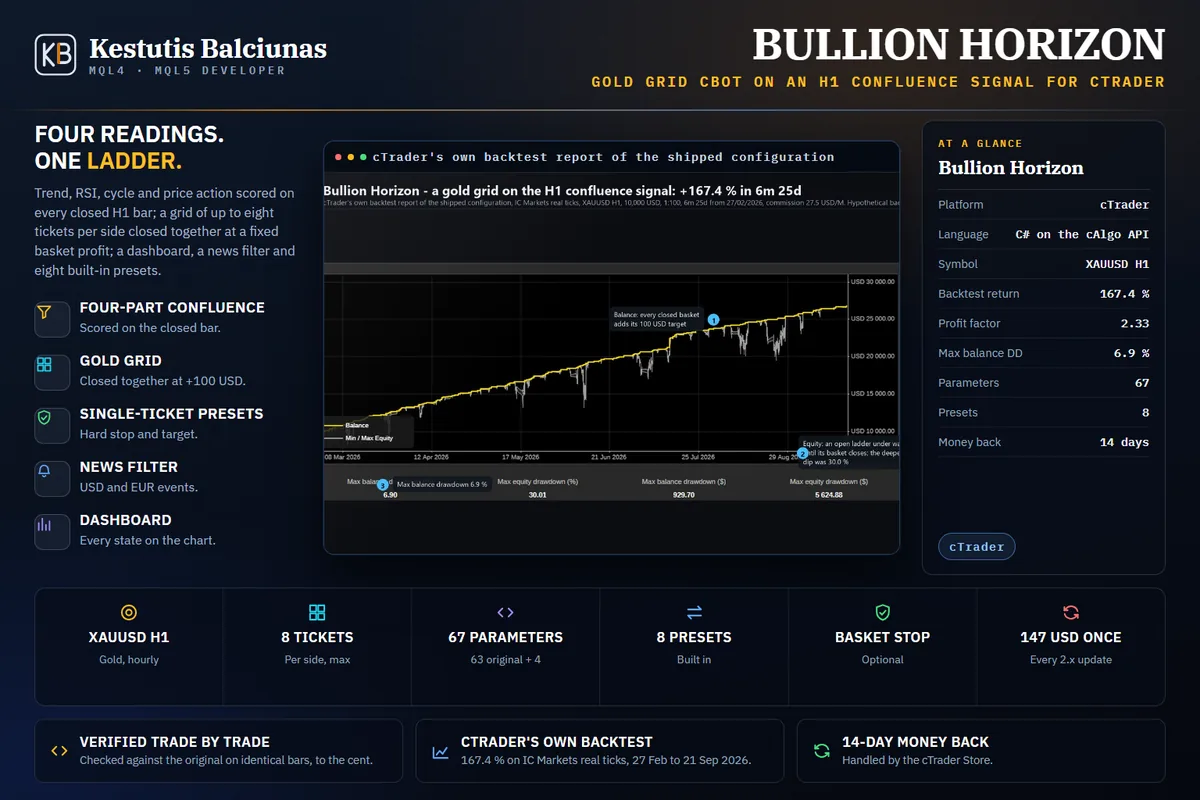
A gold grid on an H1 confluence signal: four readings must agree, then a ladder of tickets is closed together at a fixed basket profit.
How it was builtLive on Myfxbook since 25 Sep 2026 (demo)
A buy-only gold grid on XAUUSD M5: a deep RSI dip opens a buy, one more may follow lower, and both close together just above break-even.
How it was builtLive on Myfxbook since 28 Sep 2026 (demo)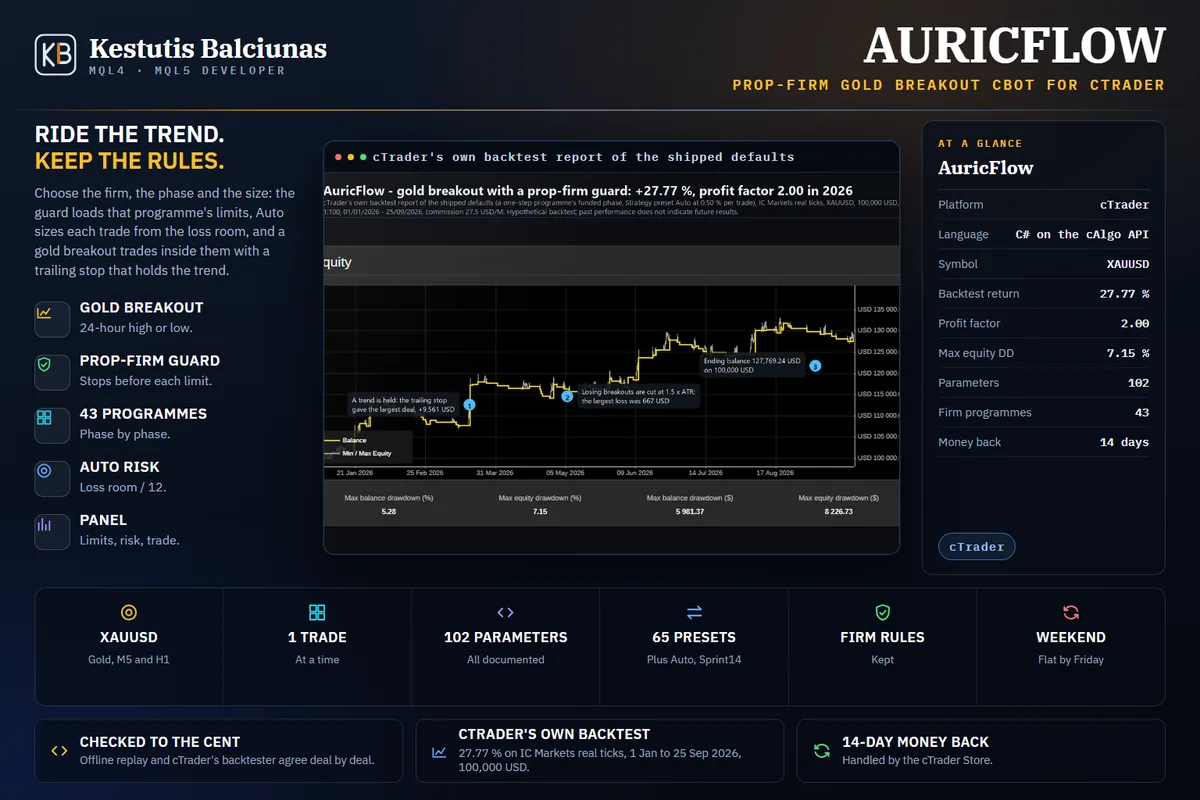
A prop-firm gold breakout cBot: risk set from your firm's loss room, the stop with the broker, a trailing stop that holds the trend.
How it was builtLive on Myfxbook since 28 Sep 2026 (demo)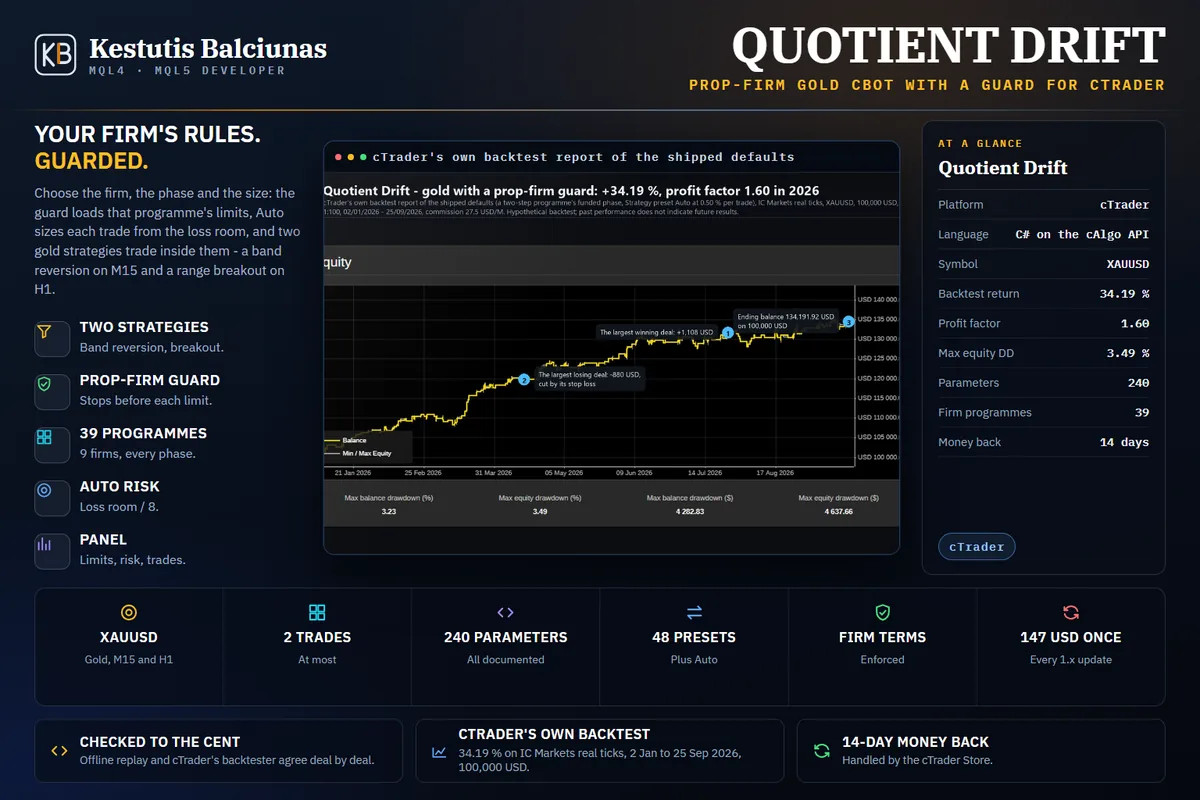
A prop-firm gold cBot: band reversion on M15 and a range breakout on H1, risk sized from your firm's loss room, the firm's limits and robot terms kept.
How it was builtLive on Myfxbook since 29 Sep 2026 (demo)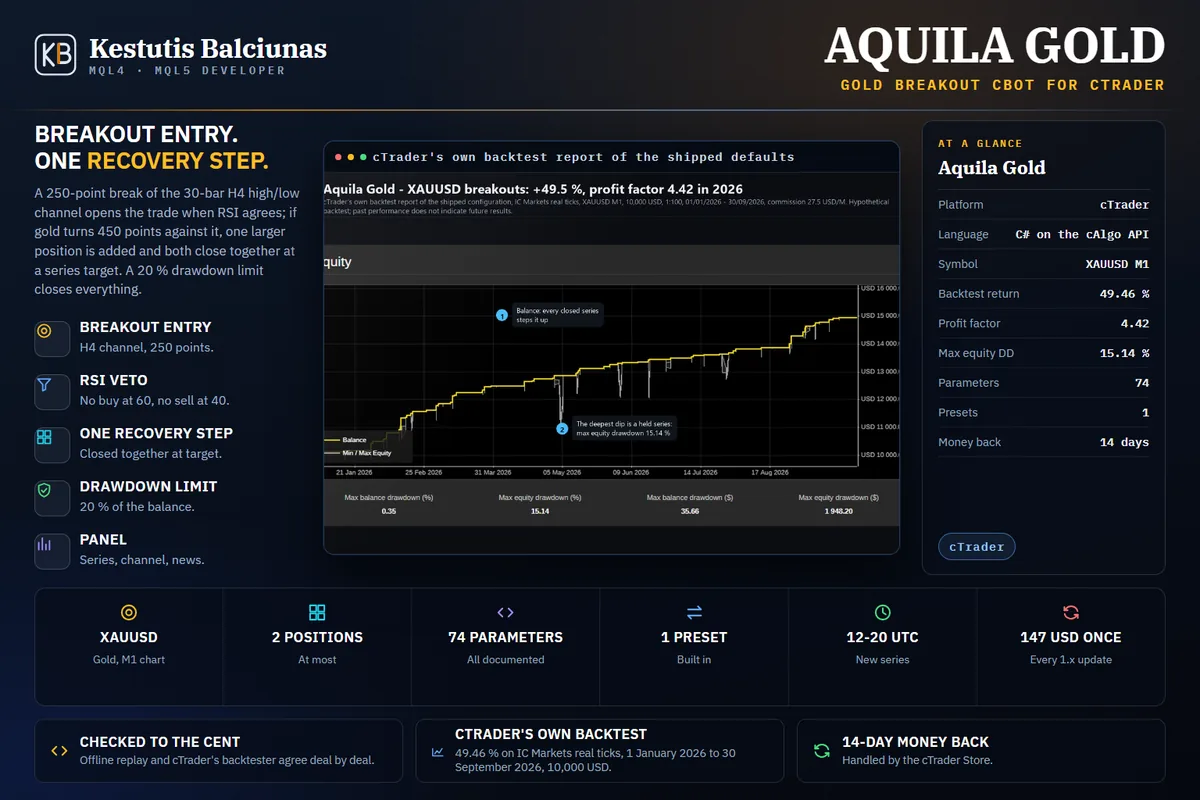
A gold breakout cBot on XAUUSD M1: a break of the H4 high/low channel opens the trade, one larger recovery position at most, both closed together at a series target.
How it was builtLive on Myfxbook since 2 Oct 2026 (demo)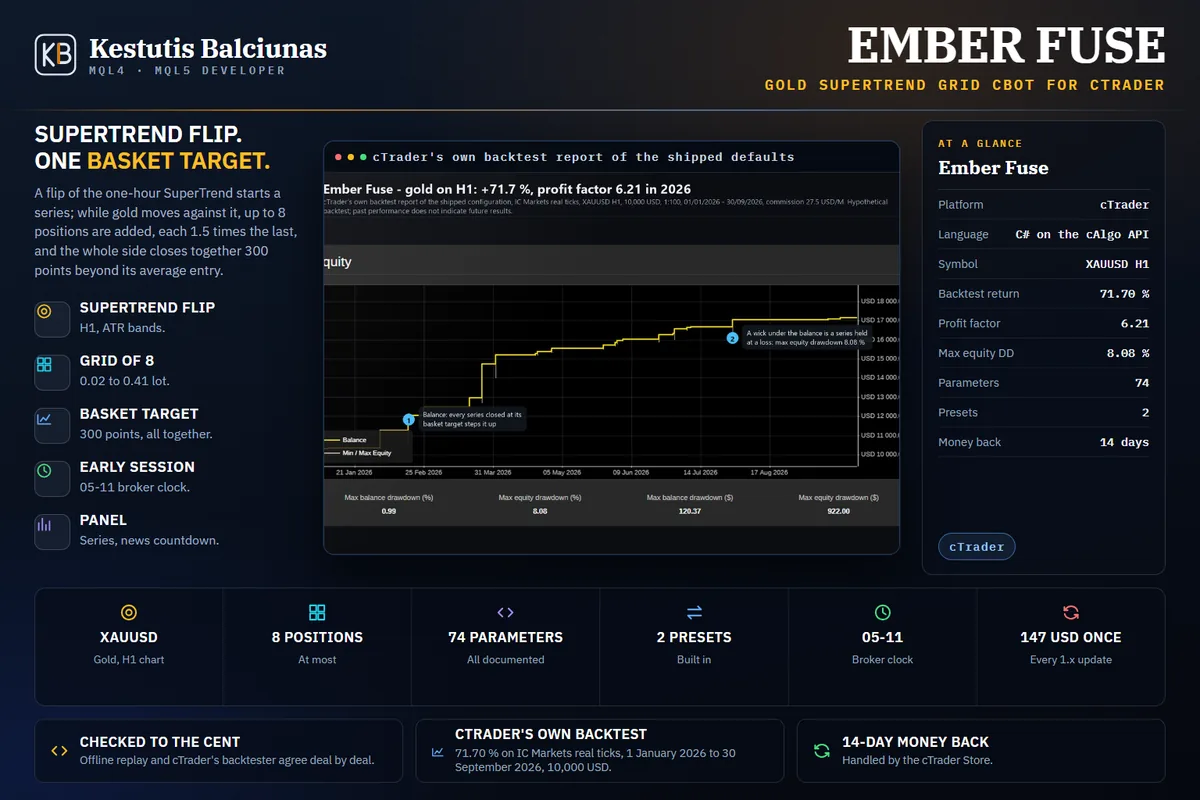
A gold cBot on XAUUSD H1: a SuperTrend flip starts a series, a grid of up to 8 positions closes together at one basket target, new positions only in the early session.
How it was builtLive on Myfxbook since 2 Oct 2026 (demo)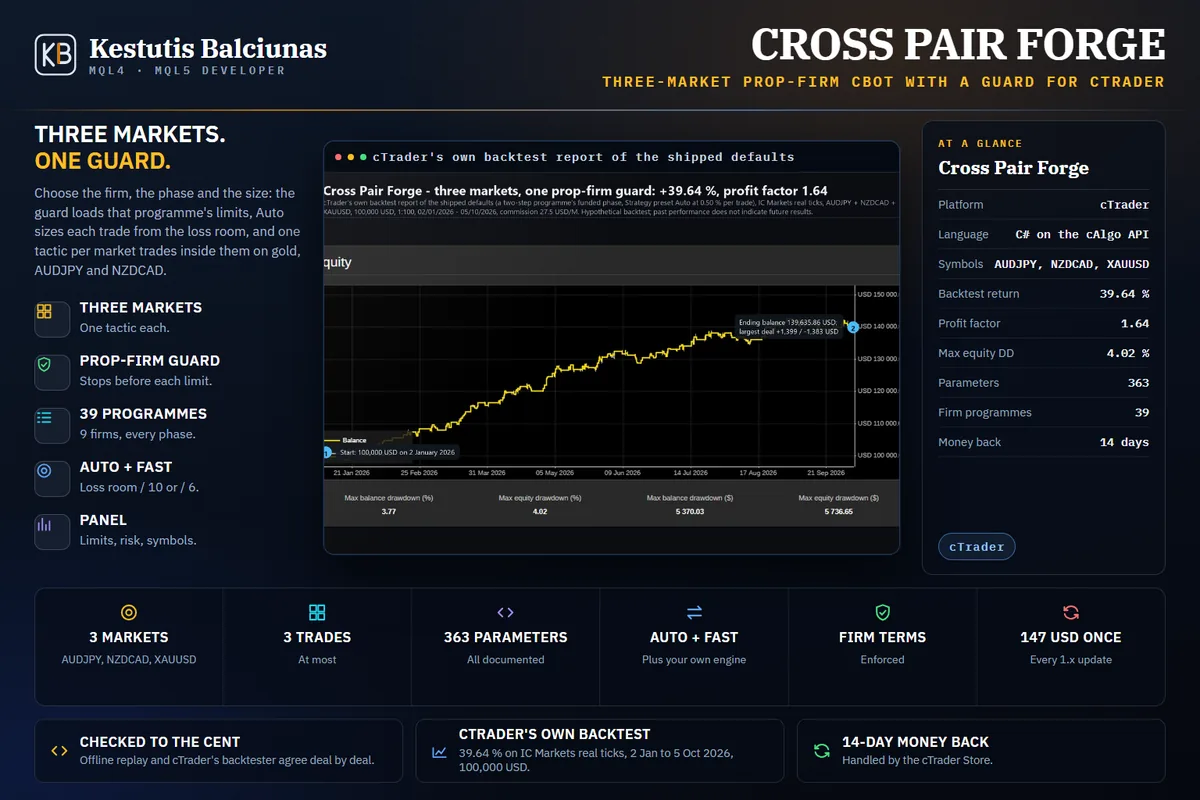
A prop-firm cBot trading AUDJPY, NZDCAD and gold from one chart: one tactic per market, risk sized from your firm's loss room, the firm's limits and robot terms kept.
How it was builtLive on Myfxbook since 11 Oct 2026 (demo)The cTrader Store handles the purchase, the licence, the trial and the 14-day money back for the paid indicators, and the installation and updates for the free ones, exactly as the MQL5 Market does for the MetaTrader editions.
Press Buy now on the listing, log in with your cTrader ID, confirm your location and pay by card. The button then turns into Install and the indicator goes into your cTrader Desktop (Windows and Mac) from your own account. The Store gives a 14-day money-back period and updates are free for buyers.
Paid indicators carry a trial attached to their listing: Try installs the trial edition with one stated restriction, which for every paid product here is EURUSD only. Free indicators install in full, on any symbol, with no trial because none is needed. Questions and support go through the Discussion tab of the listing, so the conversation stays next to the product; the documentation for each product lives on this site.
Each platform's own store handles its own licences: the MT4 and MT5 editions stay on the MQL5 Market, the originals stay where they were published, and this site never sells the cTrader editions itself. The Store listing links only to the documentation here.